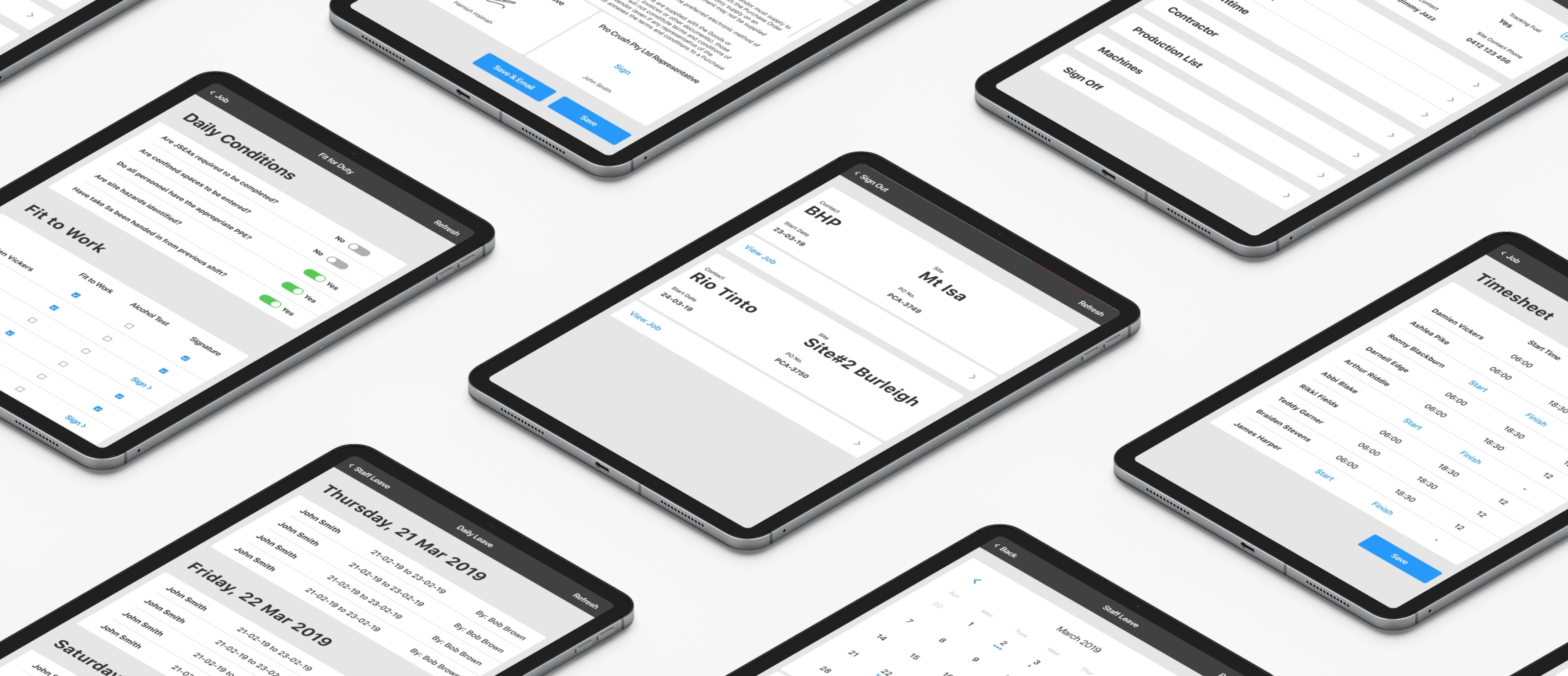
User experience in the work site

GOALS, CHALLENGES & OBJECTIVES
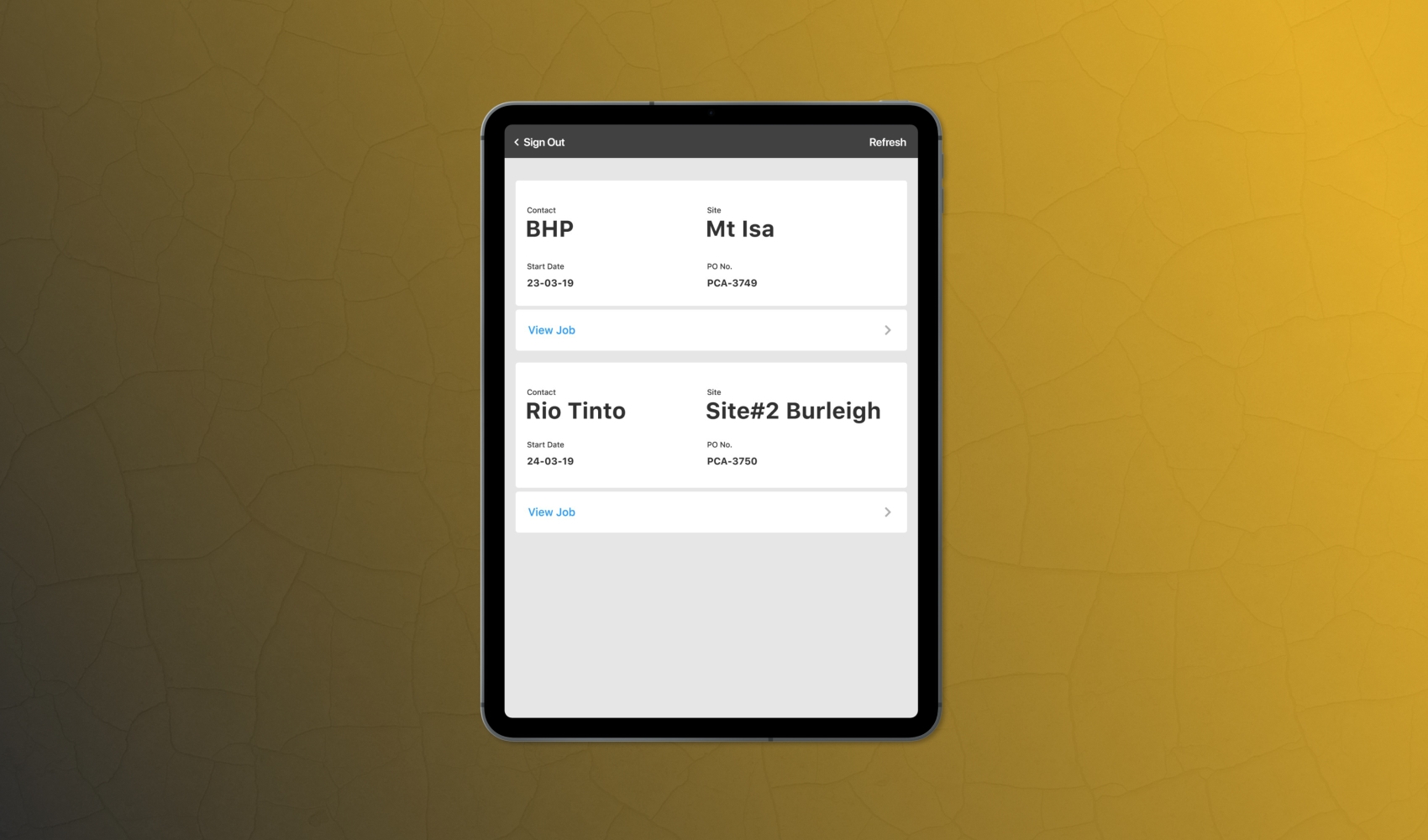
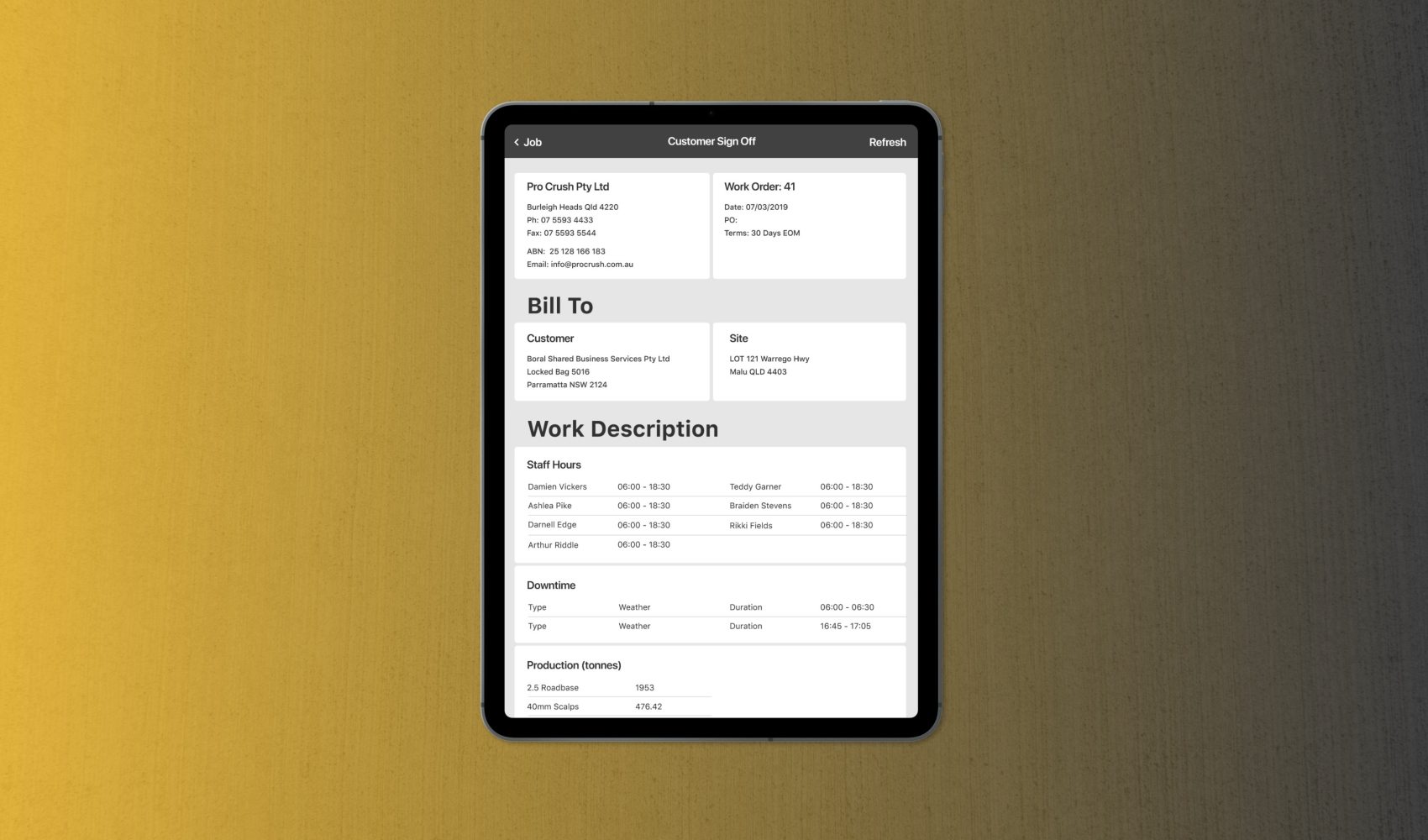
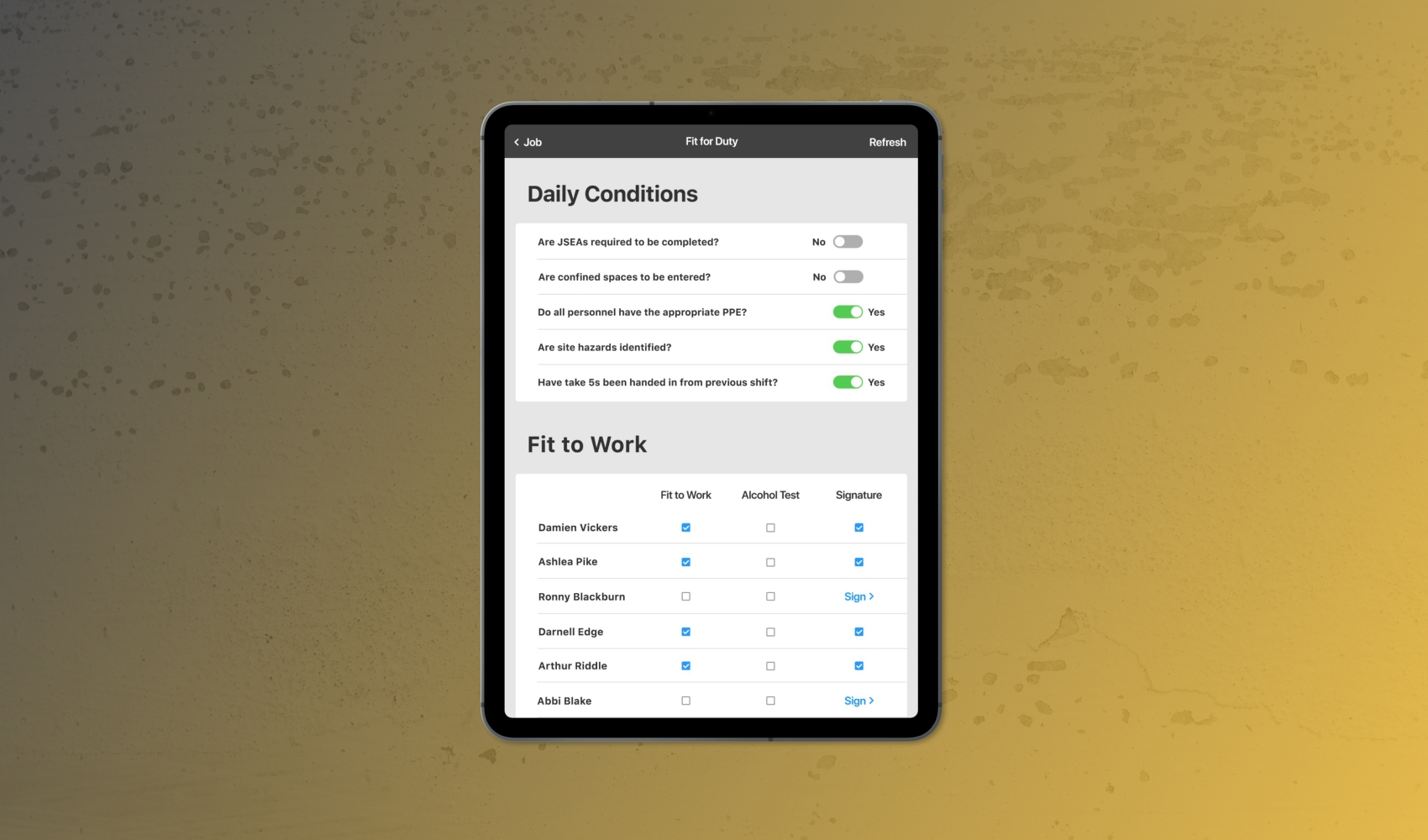
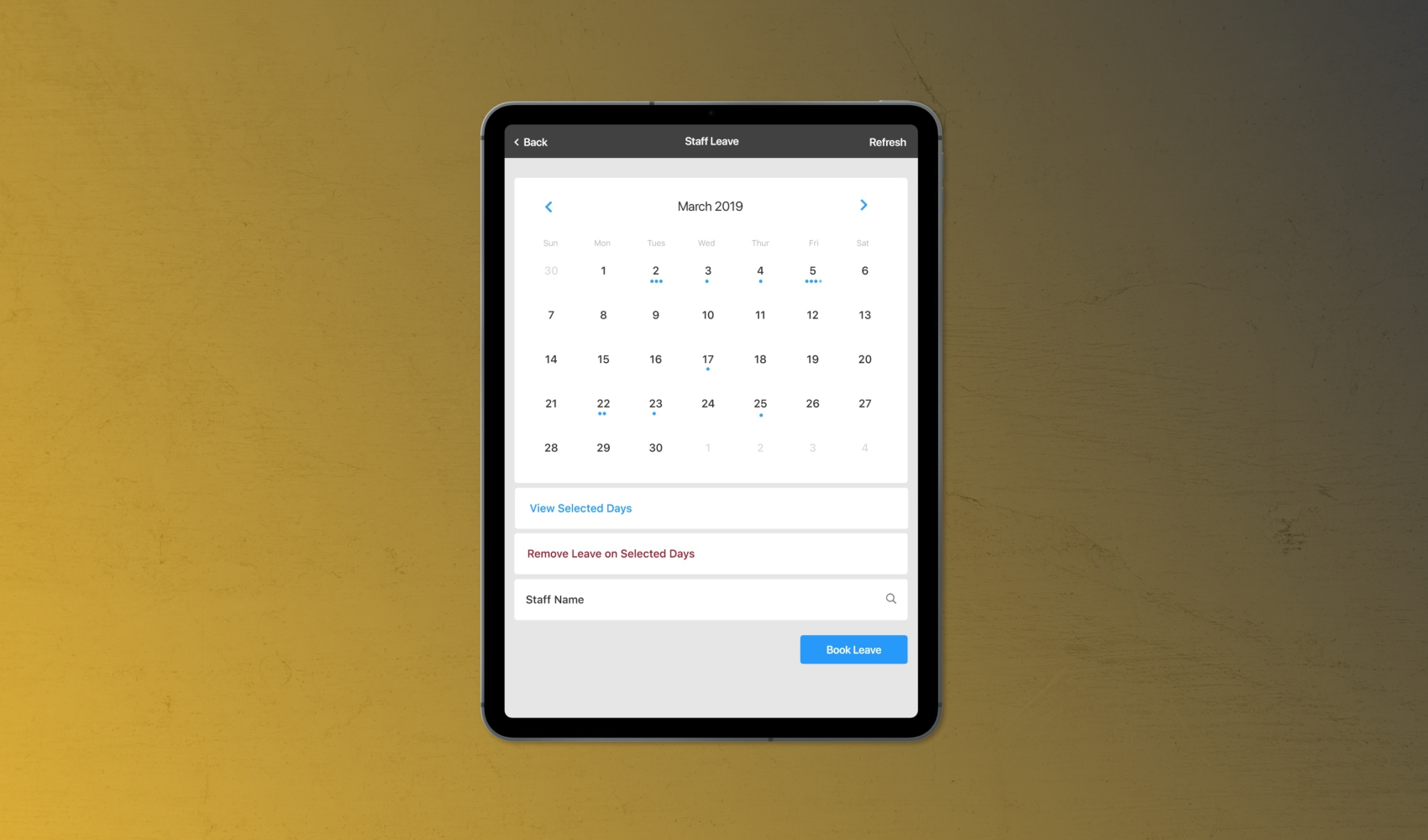
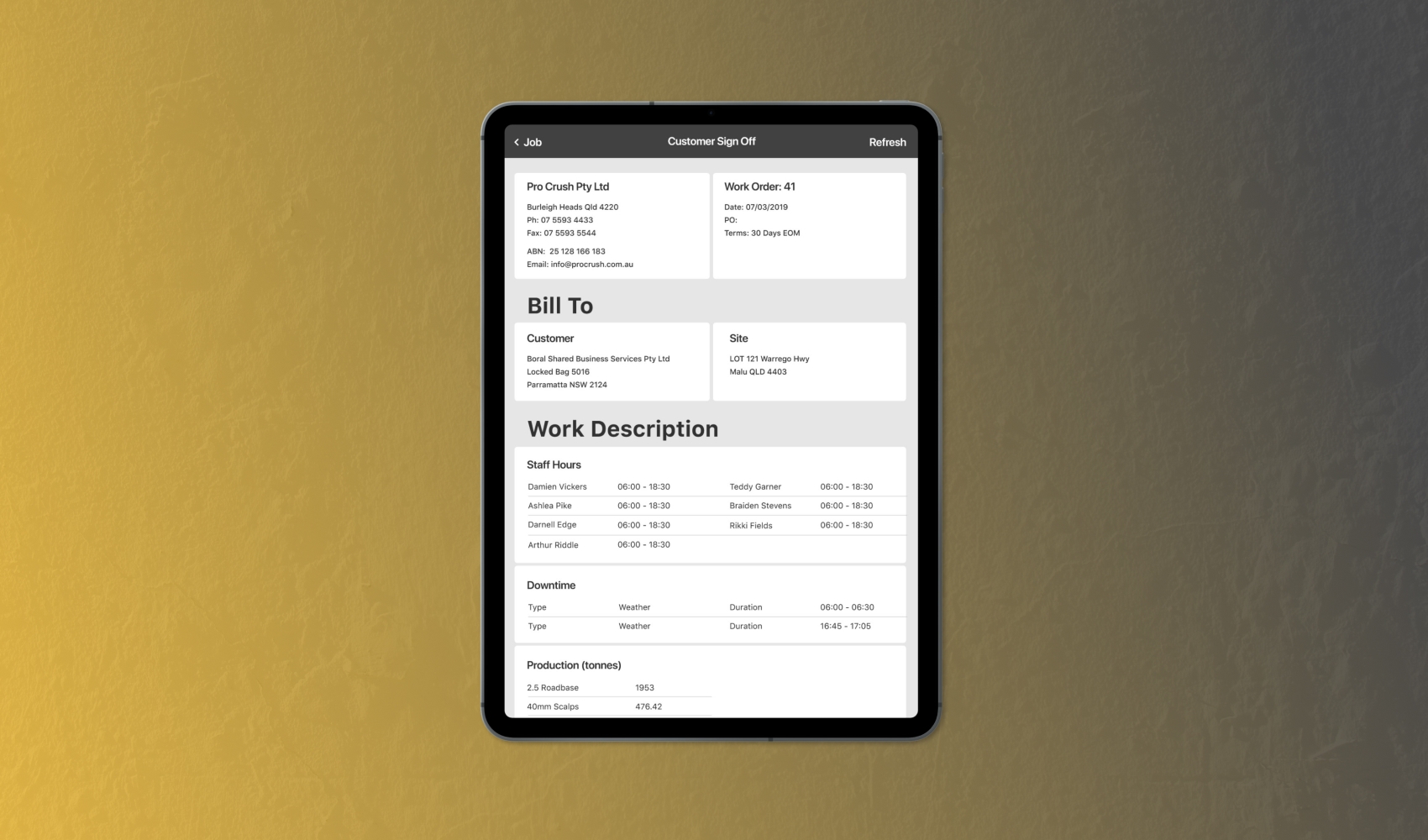
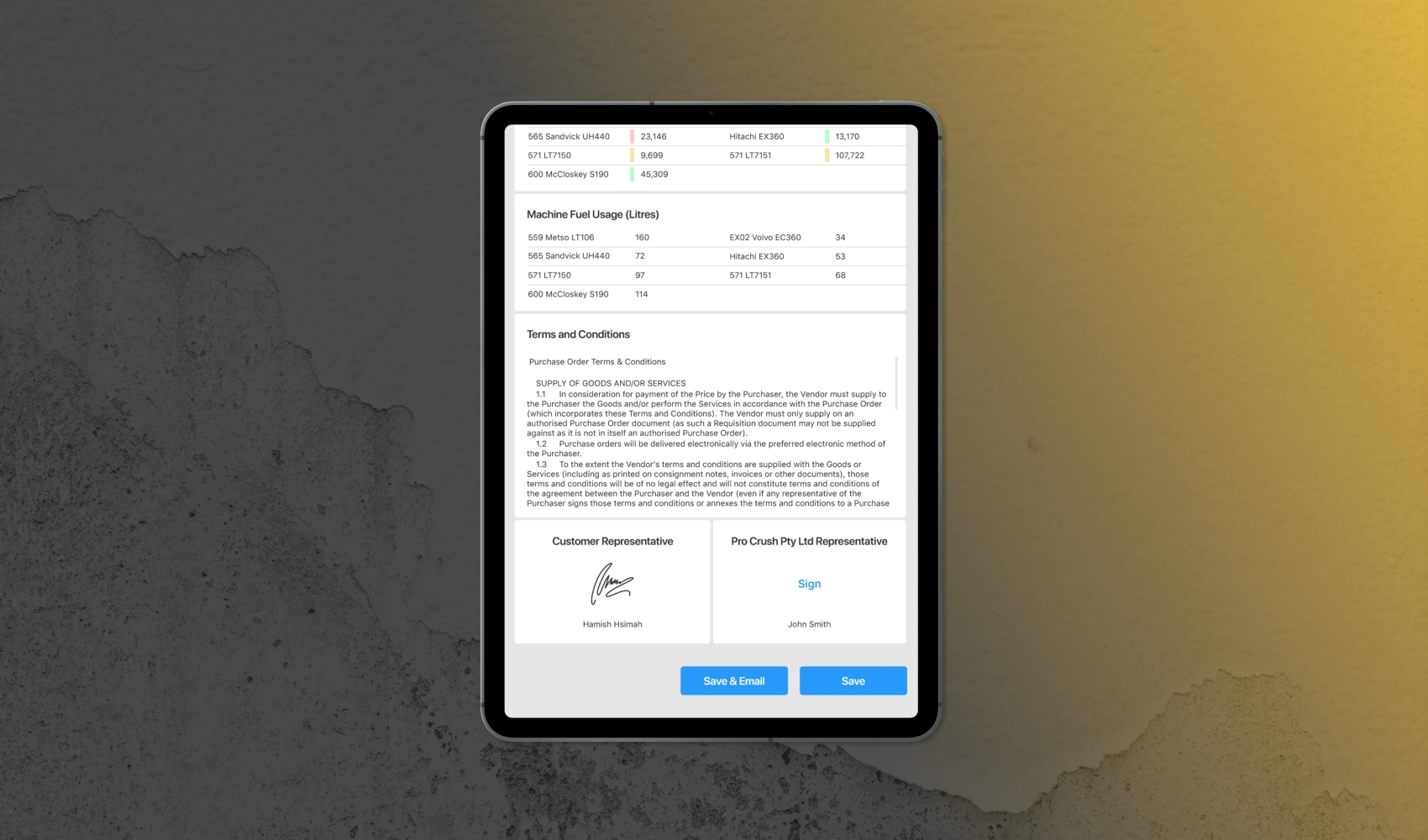
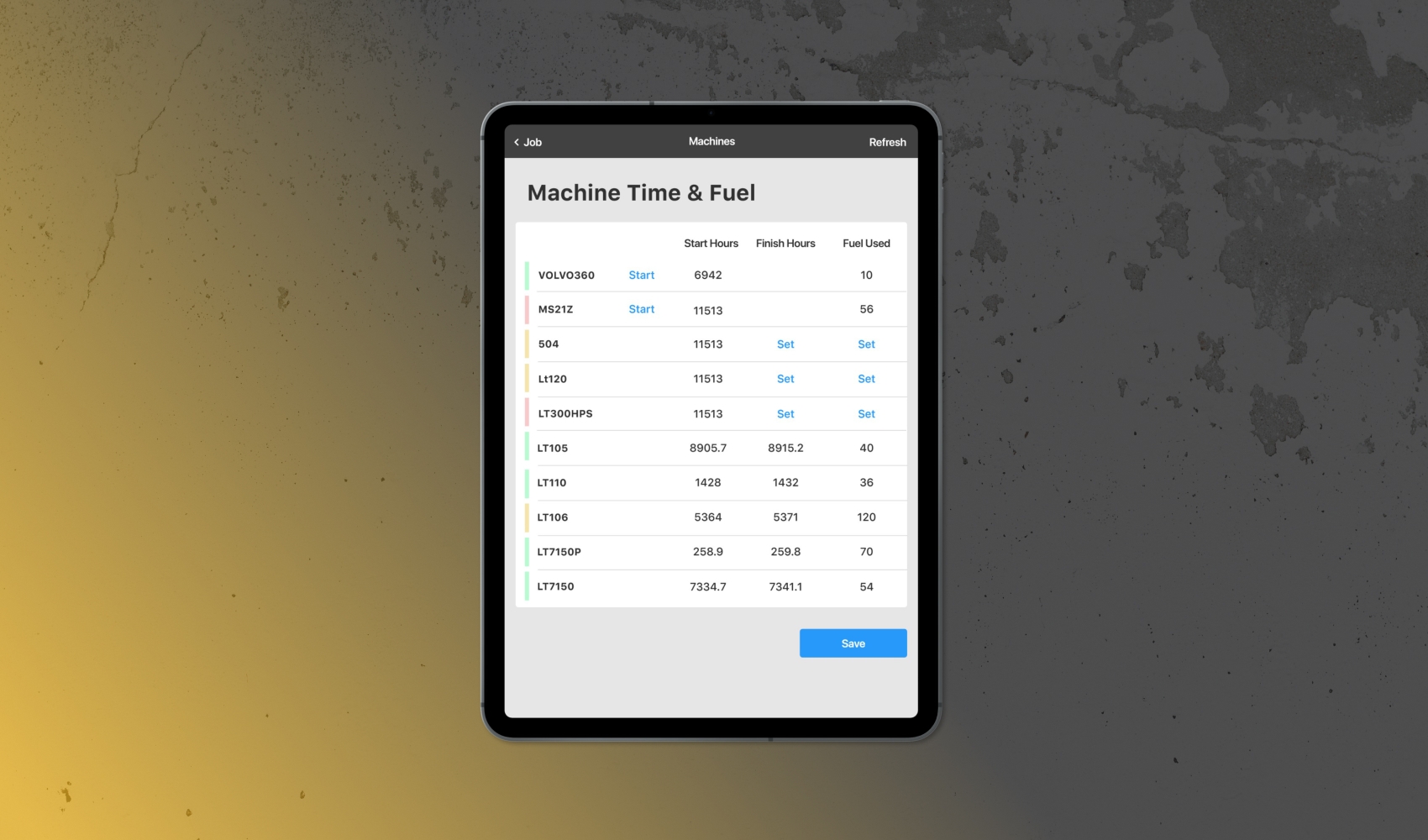
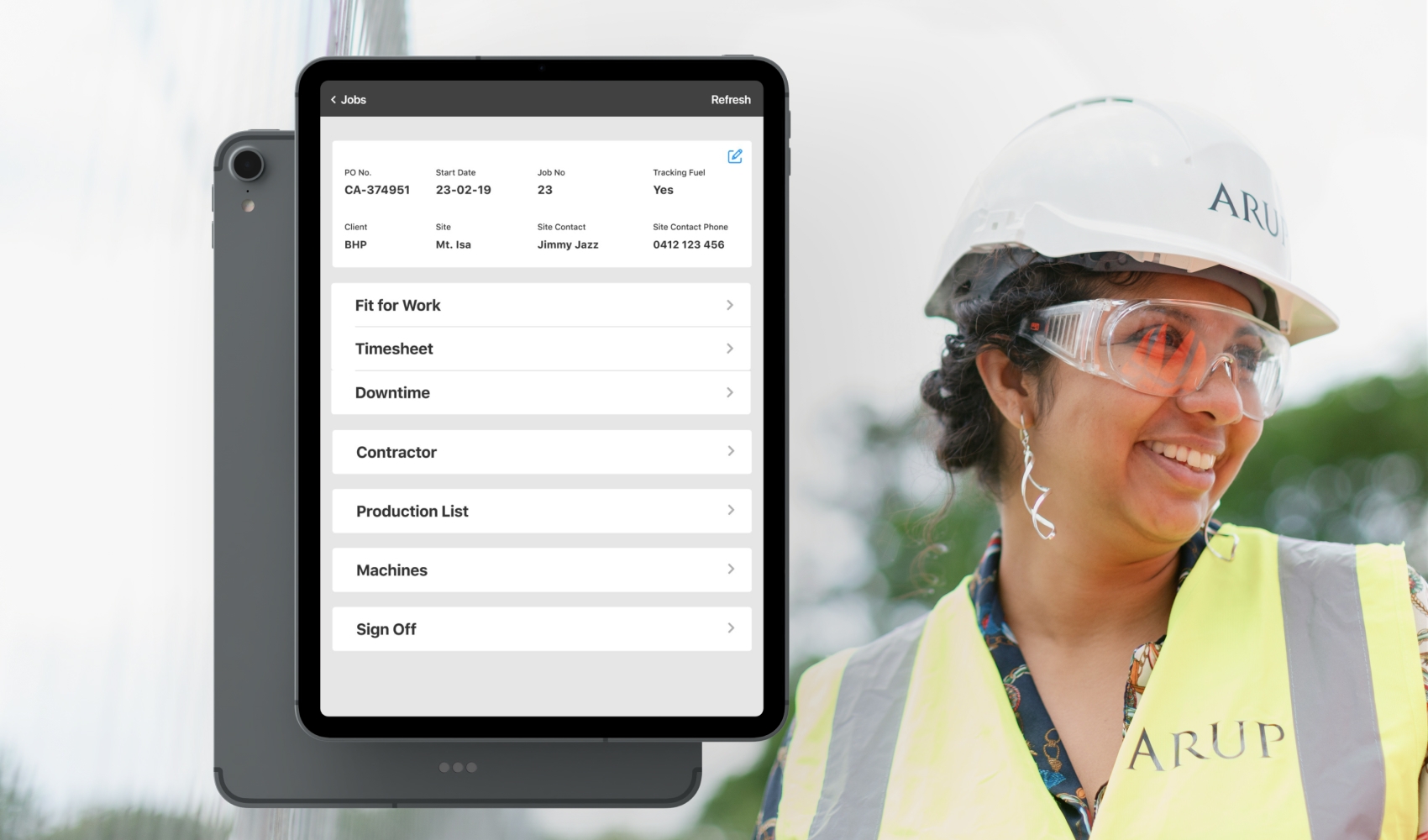
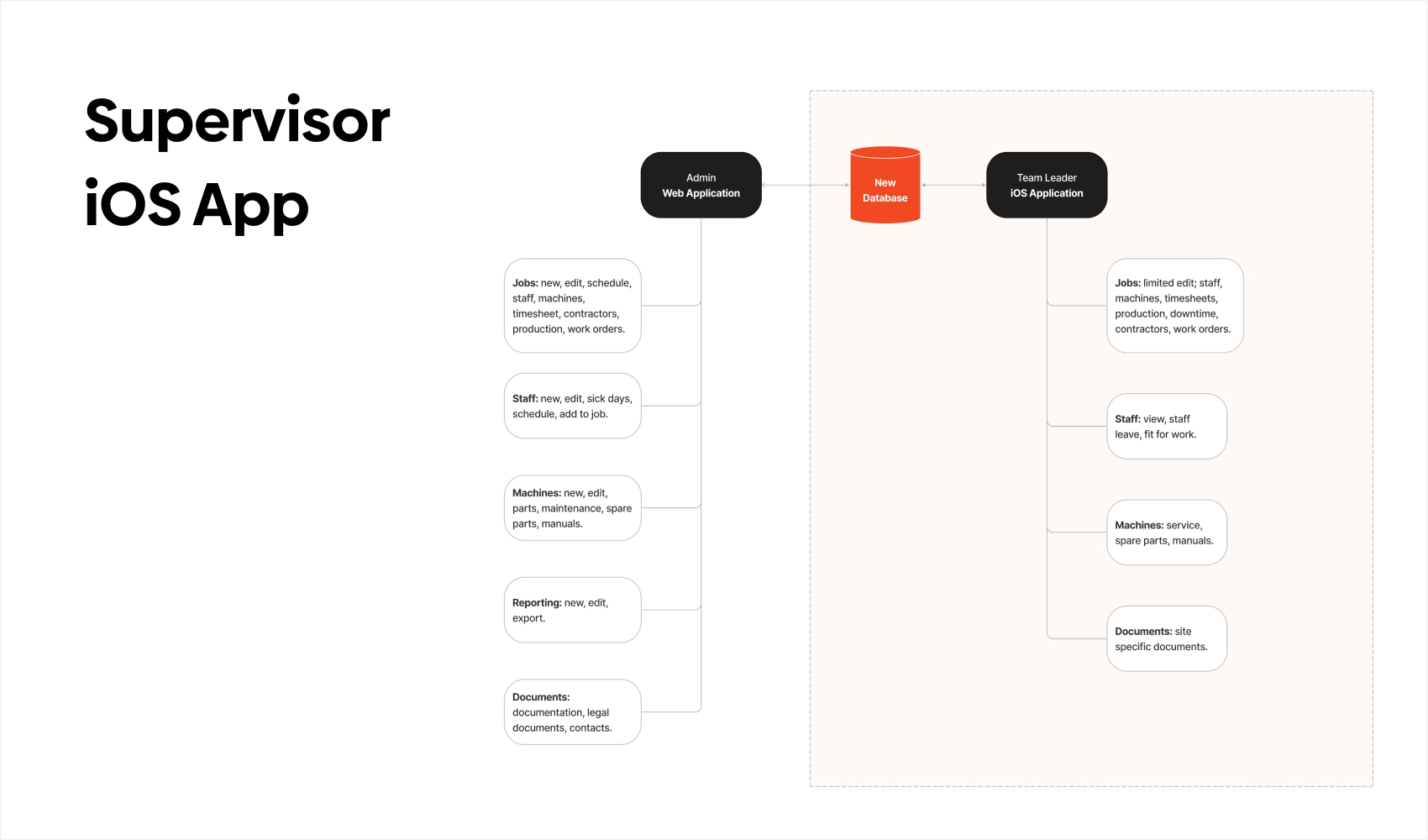
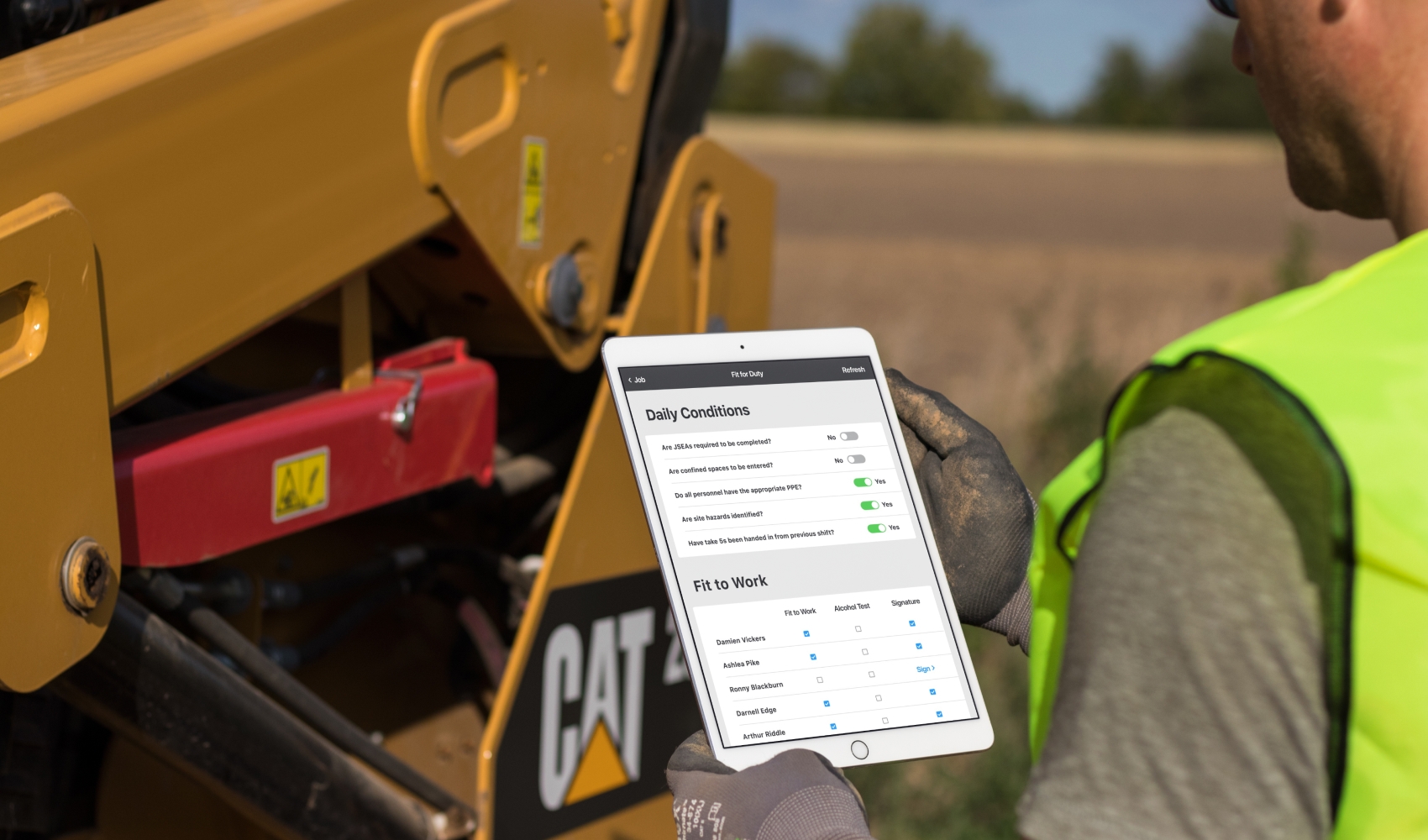
The client was relying on a purely paper-based system to manage their business: the internal admin as well as the job onsite. This included management of the machines and the staff onsite, daily invoicing, repairs and parts inventory. We createdtwo user solutions: an internal web app for administration and an iOS app for use on in the field. This case study is about the iOS app, to learn about the web app read here.
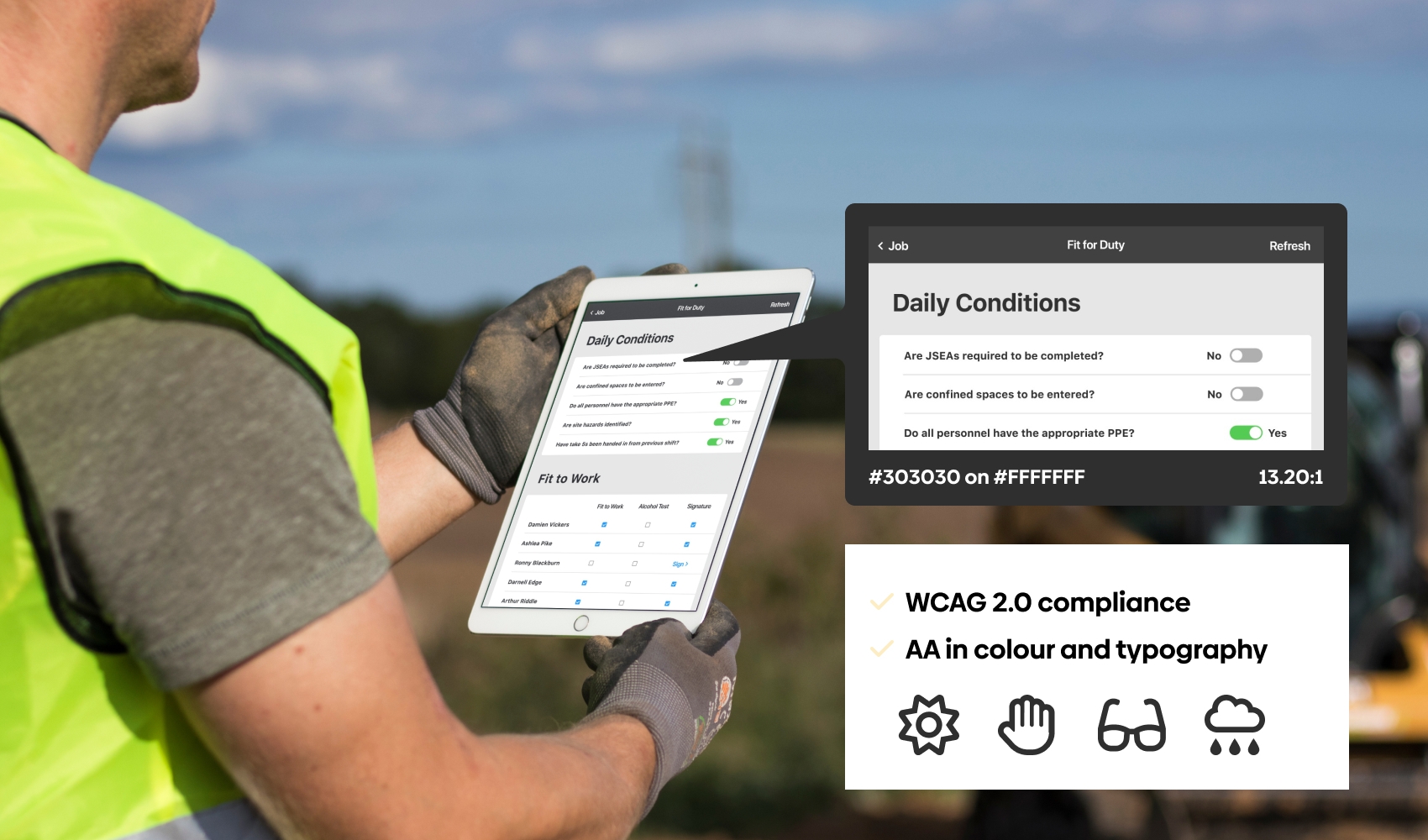
The main challenge was to create a product that implemented high accessibility to cater for its use in Australia’s unique environmental conditions (extremely bright daylight, dusty worksites, tropical storms) and user requirements (use of protective glasses, dirty hands, above-average finger size).
DISCOVERY
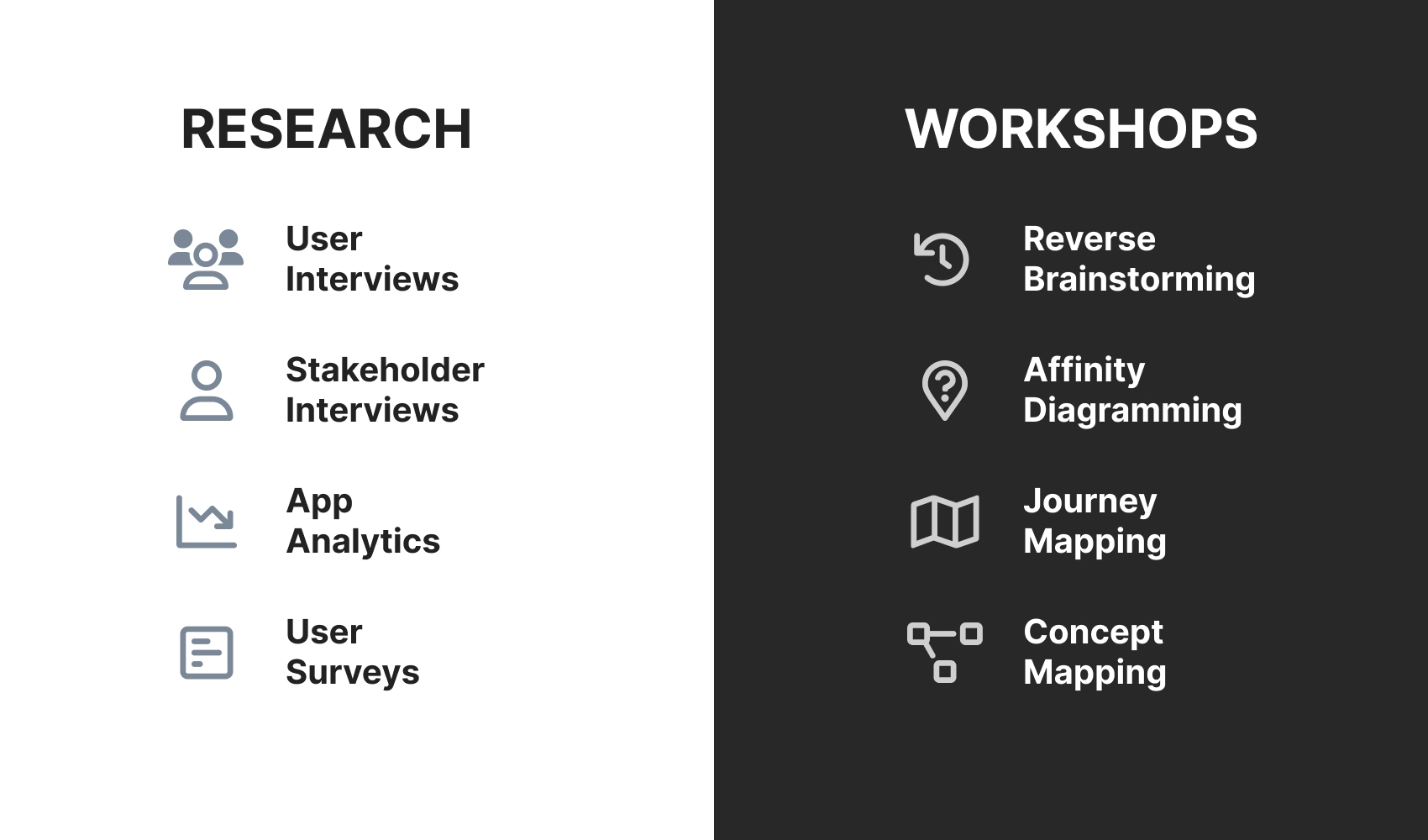
User interviews: We conducted 8 interviews with the product users to learn about their preferences and priorities of use.
Usability testing: We created a basic prototype and distributed it to the users to try give feedback. This allowed us to confirm the app design and further reduce complexity by identifying obsolete functionality.
PROBLEMS SOLVED
Demanding environmental and user conditions on the worksites. We focused on a simple design with high contrast and large text as well as components.
The app users were not digitally native, but they already knew how to use iPads for other tasks. To ensure an easy adoption process, we created the app to run on iOS and employed Apple’s Human Interface Guidelines.
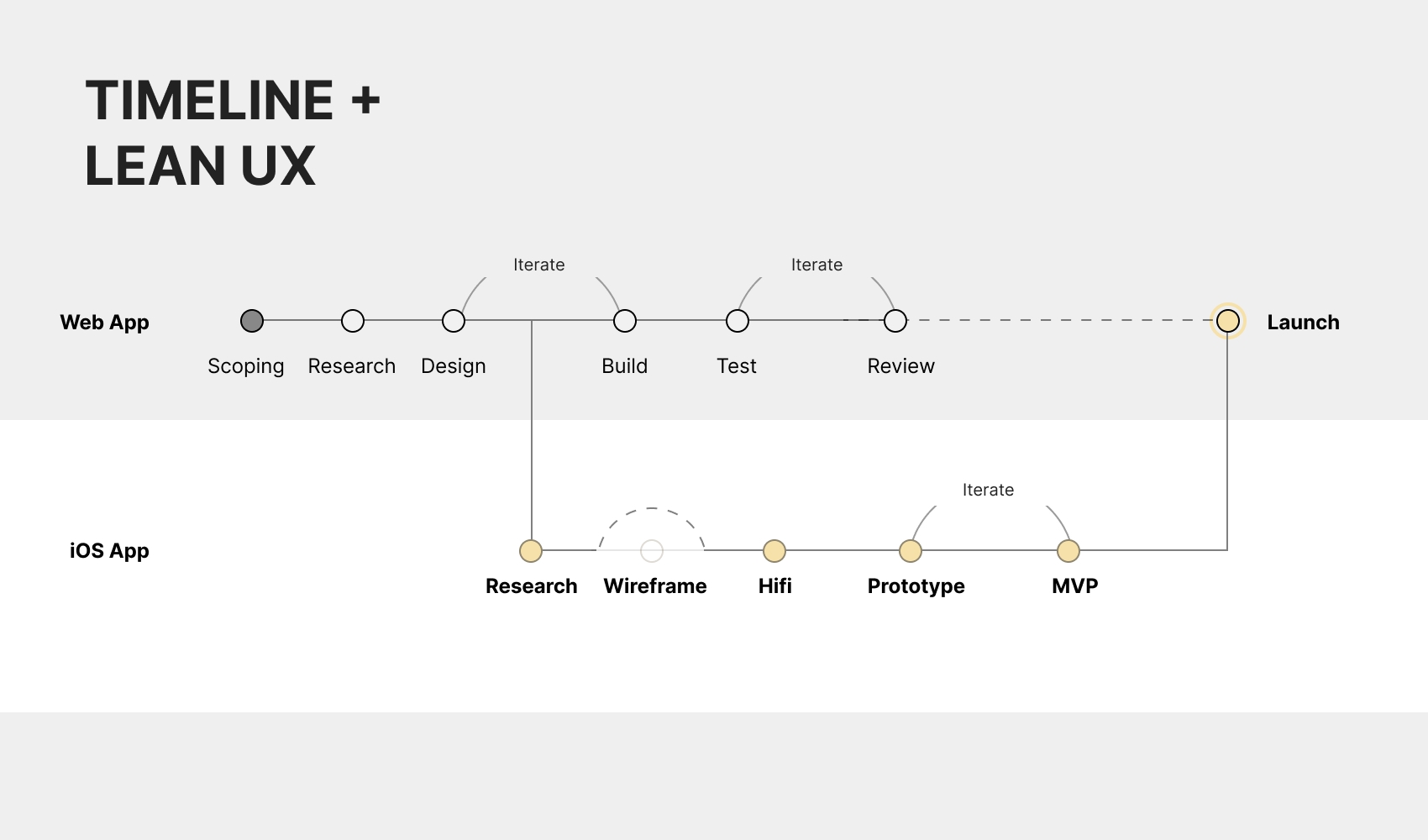
Our research had indicated that users had a desire to reduce complexity in the already existing processes. Accordingly, we created user flows, analysed them together with the help of ProCrush’s business analyst, simplified them and employed a lean approach when creating the prototype. A staggered release allowed us to further reduce complexity after receiving feedback from the users.
The existing paper-based processes had led to unsatisfactory inventory and data quality. In the app, wereduced free-text fields. Instead, we provided drop-down lists and other data validation rules to simplify data input.
OUTCOMES AND ACHIEVEMENTS
- The app was released ahead of schedule.
- Full adoption throughout the business with reduced time to log work orders and manage staff.
- Extremely high user satisfaction with users not wanting to go back to the paper-based solution after trialling the prototype. No significant need for bug fixing or after-care.
- Significant increase in back-end data quality.
RESPONSIBILITIES
I worked on this project as the lead researcher and designer.
My main areas of responsibility:
- UX (interviews and usability testing, analysis)
- Prototyping (technical scope, basic flow and interactions)
- Design (lo-fi and hi-fi, accessibility)